Step 2 · 5 min
Your first five minutes
Your first answer#
0 / 4
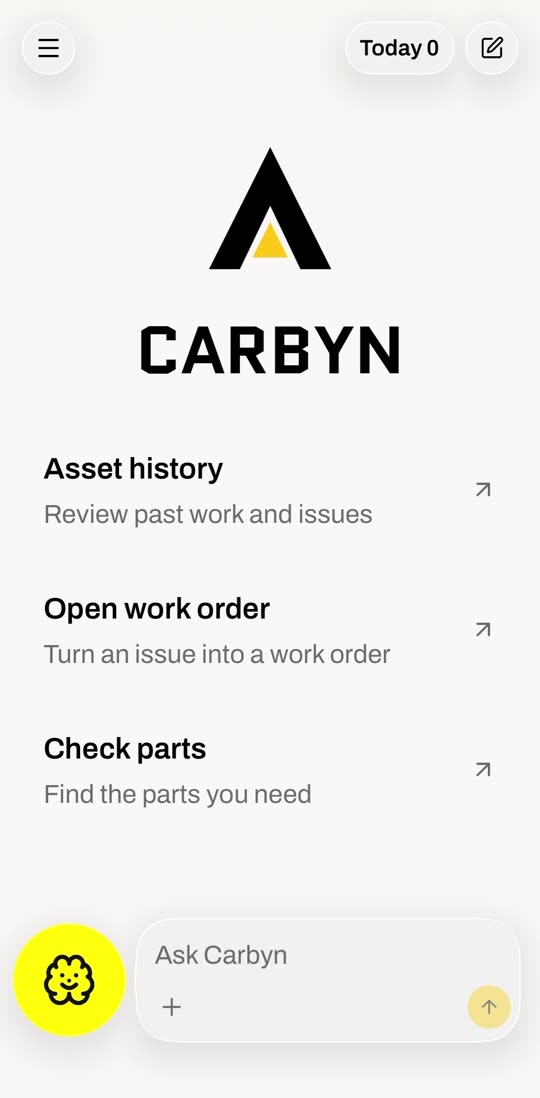
Sign in with the email your admin set up. This is home.
Step 1 of 4
Open the app
Sign in with the email your admin set up. This is home.
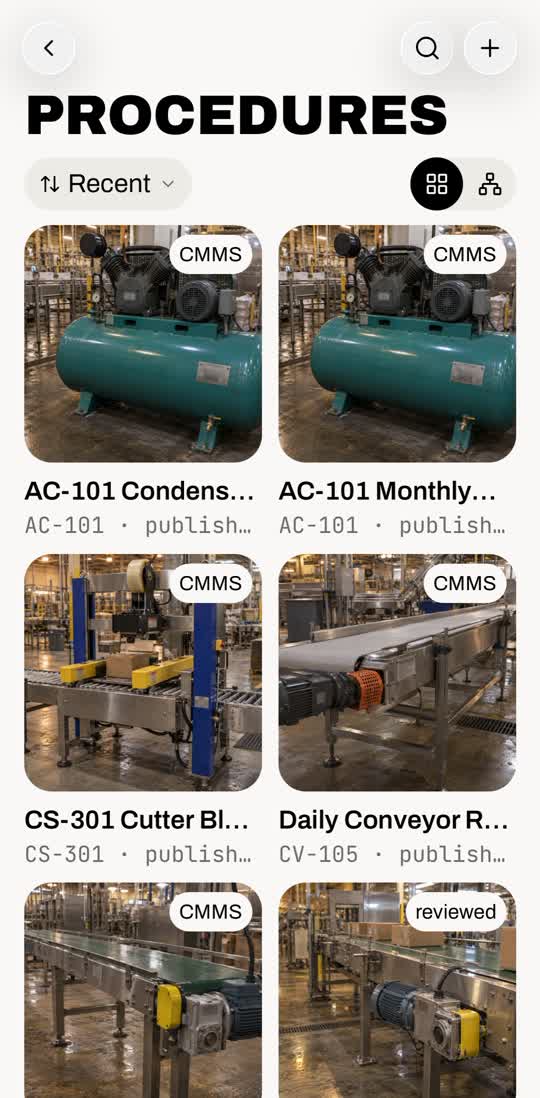
Make a procedure from a video#
- 1. Menu, then Procedures. Tap + at the top right.
- 2. Tap Extract from video.
- 3. Pick the video from your library.
No video? Tap New procedure and write it step by step with the assistant.
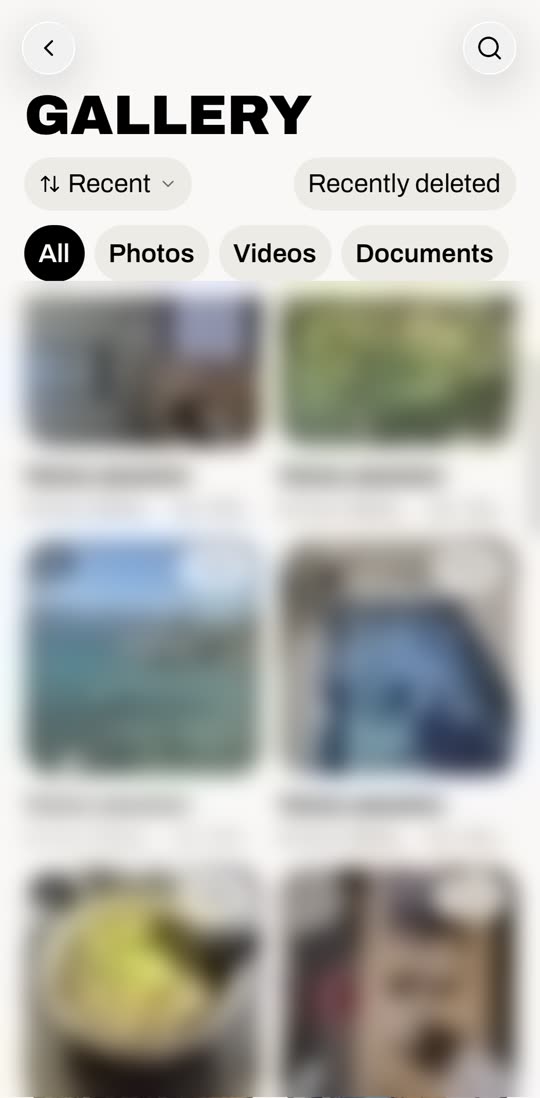
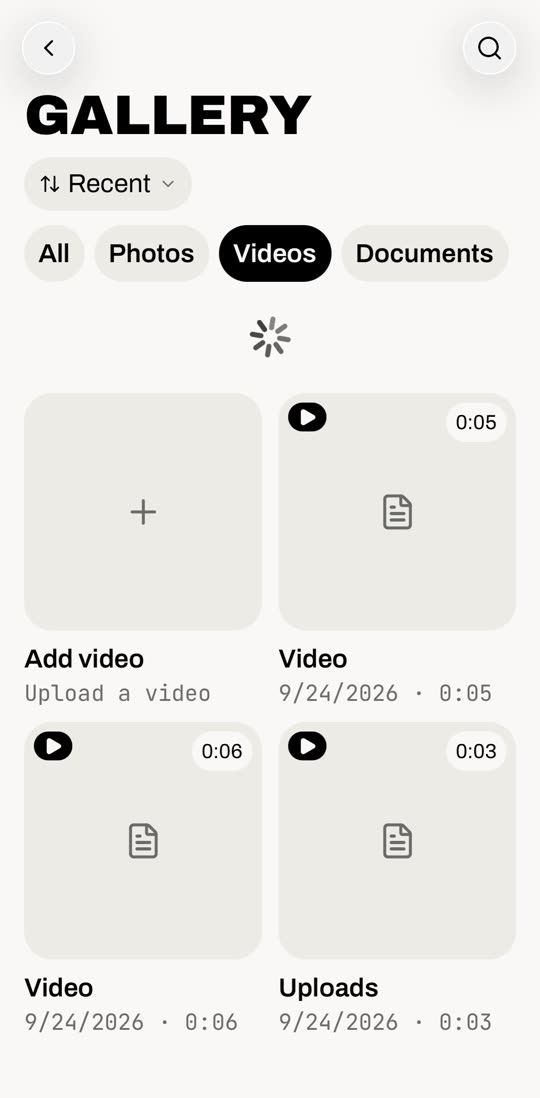
Use the Gallery#
- OpenMenu, then Gallery. Everything you captured.
- FilterAll, Photos, Videos, Documents.
- PinchFit more on screen, up to four across.
- UploadThe first tile in Photos or Videos.
- RestoreRecently deleted, top right.
Quick fixes#
- Assets are grey wrenches
- Photos are still loading. Weak signal does this.
- A screen won't load
- Tap retry. It fetches live.
- No procedure for my machine
- Make one from a video. How
- Can't log in
- Your shop admin issues accounts. Start there.
That's setup done.